

Introduction
Even the most durable slitting and rewinding machine can develop issues that interrupt production and degrade roll quality. From jagged edges to telescoping rolls, recognizing the root cause in minutes—not hours—is the difference between a minor adjustment and a lengthy shutdown. In this practical guide, we break down eight frequent problems with their quick-fix solutions, helping you maintain smooth operations and extend your equipment’s service life.
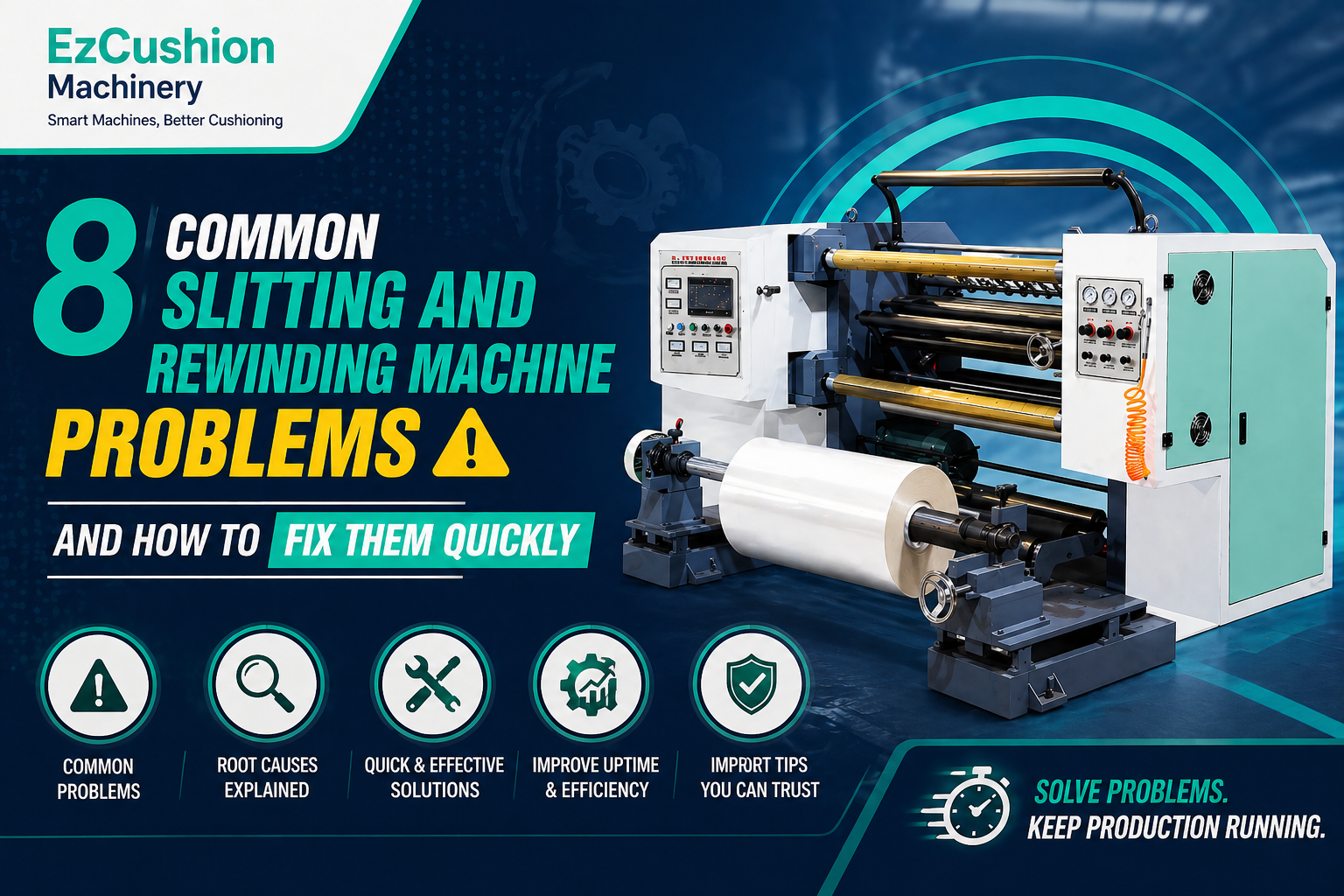
8 Common Problems & Quick Fixes
1. Unwind Tension Unstable
Unstable unwind tension is one of the most disruptive problems on any slitting and rewinding machine. When tension fluctuates, the web may slacken or overstretch, leading to inconsistent slitting widths and poor roll formation. The most common culprit is paper cores that are not securely clamped—loose cores allow the parent roll to shift or oscillate, creating tension spikes. A faulty tension detector can also feed inaccurate readings to the control system, causing it to overcorrect or fail to respond altogether. To fix this quickly, first check that all cores are tightly clamped and centered on the unwind shaft. If the problem persists, inspect the tension detector: clean the transducer probe, verify its signal output, and recalibrate using manufacturer-recommended settings or replace the detector if readings remain erratic.
2. Wrinkles in Unwind Material
Wrinkles appearing on the material before it even reaches the slitting section signal either excessive tension or misaligned guide rollers. Excessive tension pulls the web taut to the point of deformation, forcing it to buckle and create creases as it passes over rollers. Conversely, guide rollers that are not perfectly parallel to each other will steer the web unevenly, generating diagonal wrinkles across the web width. To resolve this without stopping the line for extended periods, begin by reducing the unwind tension in small increments—typically 5-10% at a time—while observing the web as it enters the slitting section. Simultaneously, inspect each guide roller for visible misalignment. Use a spirit level or laser alignment tool to verify that all rollers are parallel to within ≤0.05mm per meter of face length, and adjust any roller that falls outside tolerance.
3. Material Breaks During Processing
A material web that tears repeatedly during slitting is not only wasteful but also dangerous to operators standing near rotating shafts. The two primary causes are excessive running tension and inherent weaknesses in the parent material itself. When tension exceeds the material’s tensile strength—especially with thin papers, films, or low-basis-weight eco-papers—the web stretches beyond its elastic limit and snaps. Poor-quality parent rolls with pre-existing nicks, slits, or thin spots will also break under normal processing loads. The fastest fix is a two-step diagnosis: lower the web tension by 15-20% and run a short test length. If breaks continue, stop the line and closely examine the broken edges of the material. Ragged, uneven breaks usually point to tension issues, while clean breaks at a pre-existing flaw indicate poor parent roll quality. For the latter, reject the defective roll and replace it—no amount of machine adjustment can compensate for substandard incoming materials.
4. Poor Slitting Quality (Ragged or Burred Edges)
Nothing destroys the marketability of finished rolls faster than ragged, dusty, or burred slit edges. This problem almost always traces back to the condition of the slitting blades. Razor blades that have been used beyond their effective life produce torn rather than cleanly cut edges, leaving fiber dust embedded between layers. For shear slitting systems, dull top circular knives or improperly sharpened blades create burrs and chips that mar the edge finish. To restore clean cuts immediately, stop the machine and inspect each blade under good lighting. If you see visible nicks, uneven wear patterns, or a rounded cutting apex, replace the blade without hesitation. For shear knives, adjust the overlap to 10-15% of material thickness and verify that the blade angle is within the manufacturer’s specified range. A quick rule of thumb: if the slit edges feel rough to the touch or shed visible dust, the blades are overdue for replacement.
5. Telescoping Rolls (Uneven Winding)
Telescoping—the condition where layers of a finished roll slide laterally so the roll face resembles an extended telescope—is a sure sign that your slitting and rewinding machine is not compensating for caliper variations in the parent web. No paper or film is perfectly uniform; one side of the web is almost always slightly thicker than the other. When multiple slit strands are wound on a solid rewind shaft, the thicker strands tighten and grip the shaft while thinner strands remain loose, creating a self-perpetuating cycle of uneven buildup. The correct and quickest fix is to use differential friction shafts (also called slip shafts). These shafts consist of individual friction rings that slip independently, allowing each slit strand to be wound at its optimal tension regardless of thickness variations. If differential shafts are already installed, check that they are properly lubricated and that the friction rings move freely. For facilities still using solid shafts, upgrading to a differential system is the definitive solution.
6. Abnormal Vibration and Noise
A slitting and rewinding machine that vibrates excessively or produces unusual grinding, squealing, or knocking noises is trying to tell you that a mechanical component is failing. The most frequent sources are worn bearings—especially in high-speed rollers and the slitting knife shaft—and misaligned or worn drive components such as belts, gears, or sprockets. Rollers that have lost their dynamic balance will also induce vibration that worsens as line speed increases. To diagnose and fix this issue quickly, start by running the machine at a low speed and listening for the source of the noise. Use a thermal imaging gun or touch the bearing housings: bearings operating above 70°C are likely failing and require replacement. Check belt tension and look for frayed edges or elongation beyond 3% of original length. For alignment, use a laser aligner to verify that the transmission components are within 0.05mm/m of parallelism. Establish a quarterly dynamic balancing test for all major rotating assemblies to catch imbalance before it becomes destructive.
7. Trim Waste Breaks Frequently
Trim waste—the narrow edge strips removed from the parent roll—should exit the machine cleanly through a vacuum extraction system. When trim breaks frequently, it can wrap around rewind shafts, clog extraction nozzles, and even damage slitting blades. The most common reasons are that the trim strips are too narrow for the material’s edge integrity, or the line speed is too high for fragile edge fibers to withstand the extraction airflow. To fix this without a long shutdown, first increase the programmed trim width—adding even 5-10mm can substantially improve edge strength. Next, reduce slitting speed by 10-15% and observe whether trim break frequency decreases. If problems persist, check that the vacuum airflow at the trim inlet exceeds the web speed, and ensure that guide edges on the unwind roller are clean and free from adhesive residue. Finally, inspect the trim knives themselves: dull or chipped trim knives will weaken the edge strip before it ever reaches the extraction nozzles.
8. Edge Guiding System Failure
An edge guiding system that fails to keep the web centered will cause slit strands to wander laterally, producing off-center finished rolls or strands that overlap and jam at the rewind section. The quickest fixes start with the simplest checks: verify that the system has power and that no fuses have blown. Next, clean the photoelectric or ultrasonic sensor lens—debris such as paper dust or adhesive residue is a common cause of erratic readings. If the sensor appears clean but still fails to track, check that the material being processed is actually detectable by the sensor type (standard optical sensors cannot see clear films; ultrasonic guides are required for transparent materials). Recalibrate the edge guide following the manufacturer’s procedure, typically by centering the sensor over a marked reference line and adjusting sensitivity parameters. If the guide continues to fail after recalibration, inspect the guide’s mechanical actuator for smooth travel and check for any loose connections in the control wiring.
FAQs
Conclusion
Most slitting and rewinding machine problems can be diagnosed and fixed in minutes once you know what to look for. By systematically checking tension, blade condition, roller alignment, and guide systems, you can turn downtime into a brief pause rather than a costly stoppage. Ready to equip your facility with a reliable slitter rewinder that minimizes these common issues? Visit EzCushion Machinery today to explore our range of robust, precision-engineered slitting and rewinding solutions. Contact us now for a free consultation and custom machine recommendation.


